FMP Evaluation

Project name: Bullet Switch

Project period: 29/04/2019 – 14/06/2019

The end of the project is just around the corner with just the last view write-ups to do. To see how I did overall, read this post: FMP Update: How I Did Overall and to find out how all the levels look in its entirety, read this: FMP Update: New Levels and an Overview of the whole game.

Project concept

The project concept I made was not as clear as it could have been, because I didn’t explaining the type of research I would do or the mechanics in enough detail. I adjusted this a little after finishing it, which now includes the missing information and a more detailed purpose of the project.

The research I did, mostly related to my project concept, but some of them may have looked like it was for another project. This was because, I was exploring game design as well as level design.

Planning

The planning in my project was done was at a reasonable pace. I may have planned a bit too slowly at the start, including missing a few weekly tasks, but after I got to the fifth week, I filled in the rest in. The tasks then were asking myself for a bit too much.

When I planned the tasks I wanted to achieve, I did also plan for the practical aspects I would need, like on the 27/05/2019 (week 5) task, which was sketching level layouts. The practical aspects of that was paper, rubber and a pencil. The one things I didn’t mentioned, was I also needed cardboard and/or other objects for representing the objects in the game.

Here is the full plan filled in (except week 7):

tasks weeks 1-8

I stuck to the plan almost entirely, but some of the times I did go a bit off track and added in more mechanics when it wasn’t in my plan. I did this because, it increased the quality of the level.

Not sticking to the plan fully maybe seen as a negative, but by not sticking to it entirely, I was able to improve level designs, puzzles and my knowledge much, much more than if I stuck to the plan.

What went right?

In the past couple of months I have made tremendous strides towards creating an amazing game. The following is what went right:

  • Level design – The main purpose of this project was level design and I believe I did this correctly. The levels had a consistent goal and always kept challenging the player.
  • Fairness – Continuing with level design is fairness of the game. I have tried to make the game as fair as possible.
  • My original goal – I believe I have did most if not all of what I originally sent out for; A puzzle game that uses a small amount of mechanics in a multitude of ways.
  • Mechanics – This wasn’t that necessary, but by creating a reasonable amount of mechanics made creating more puzzles easier and made them more diverse, which could be a problem if done too fast or/and incorrectly.
  • Puzzles – The puzzles I made were good in my opinion and others. All that was needed doing was a little bit of tweaking.

What went wrong?

Even though so many things went right, there were somethings that didn’t go right. Here they are:

  • Bugs/glitches/errors – The main issue I had were errors, but I did encounter some bugs with the software, which I did fix. It wasn’t all bad though, because I learnt how to solve them for future projects.
  • Using mechanics – In the most part I used all the mechanics in the game to a large degree, but I could have used the slide and teleport mechanic a bit more. I would if I was given more time.
  • Player feedback – I did include player feedback in the game audio-wise, but I didn’t include much visual player feedback.

Following on from the bugs/glitches/errors I had, these were the problems and solution (in no particular order):

  • Shoot at mouse location not working properly – The solution to this was to learn about the Mouse Location node and work out how it could be done on my own.
  • Teleporting infinite loop – A Boolean variable and a branch sorted this out.
  • Character movement not working – By adding in the character movement to the level blueprint whenever I had a jump wall (technically a jump door) or slide fixed this issue, this is because, by giving the level blueprint the jump key, it takes ownership of that key, meaning no other blueprints can use them.
  • Moving platform is buggy – The fix to this bug was very weird. To fix it I needed to reset the platform location and then start the movement, befote it goes back to step 1, otherwise it will go in the opposite direction than requested.
  • Character jumping too high – A fix to this was adding a collision box in that when overlapped will reduce the characters velocity, which means that they will start falling faster.
  • Music track mixing together/overflowing integer – The fix for this one is to create a controller, store the variables there and use a cast to retrieve the integer, which will be used to chose the song for that level. This will also stop overflowing from happening. The overflow bug seems to happen when you use a random integer node in the criteria of an equation.

What would I change and improve upon?

If I was able to edit the game more then I would change and improve the following:

  • Improve player feedback – Adding more visual feedback in.
  • Utilise mechanics more – I would start to use the mechanics I haven’t used that much to create more levels.
  • More levels – I would add in more levels with more visual dialogue.
  • Bigger music track – Increasing the size of the music track, but only adding suitable music.
  • Make puzzles that trick/think out side the box – I didn’t really know what made a good level specifically and now I do I would deliberately try to trick the player or try to make players think outside the box.
  • More puzzle combinations – I would also further develop the combinations of the mechanics to create more complex puzzles. I was starting to do this, but not in the same degree as I would like to if I had more time.

How important was the dialogue?

After talking to my colleagues I decided that it was not that important, but I should keep it in for the player to figure out the story.

A few comments I got were:

  • Mathew, “I hate dialogue shoved in his face.”
  • Thoughts – I have put this into my memory and will always try to make dialogue optional, unless it is important.
  • Rhys, “I Like dialogue, but not when there are pages of it
  • Thoughts – I know where he is coming from with this comment, but sometimes pages upon pages of dialogue is necessary, but I will try to keep all dialogue small with only keeping in the important parts.

What have I learnt?

I have learnt a huge amount from this project from all areas in level design, game design and mechanical wise. Here are the following:

  • Mouse events and inputs – I’ve learnt how to enable and disable mouse inputs and events. I used this for the shoot at mouse location function.


  • Storing variables throughout the game – I have learnt how to store and use variables in any map in the game. This can be used for a currency system.


  • Saving and loading – I haven’t used this yet, but I know how to save and load a game with any amount of variables I want stored


  • HUDs – With the knowledge on knowing how HUDs are made and used, I know can make more advanced UI screens.


  • Alter text – With this I can add in story and lore of a game.


  • Good puzzle design – My puzzles have became more fun and challenging.


  • Location change – I’ve learnt how to alter and set the players or object position. That is how I made moving platforms and portals.


  • Arrays – I knew this already, but I have realised how useful they are, even with just 2 objects.


  • Expand on a mechanic rather than make more mechanics – I have learnt how useful building on top of a mechanic can be. It is much easier building on top of a mechanic than making loads of nechanics to do the same thing.


  • Paper prototypes importance – I have learnt how useful paper prototypes are, even though I like to just jump straight into things. I normally did just add in level designs straight away, but occasionally there were some I ignored or altered a bit. This showed me no matter how successful my level designs always are, there will always be one bad one or more in the bunch, which can waste a lot of time. The only downside to paper-prototyping is a ultra close deadline, which can be 1 day or lower. The reason for this is because, the time taken to get everything setup or made. In some cases the paper-prototyping will still be important in an ultra close deadline situation.

There are probably more, but I can’t think of them currently.

I am extremely happy with my results and wouldn’t have been able to learn as much if I didn’t deliberately focus on adding a mechanic in.

FMP Update: New Levels and an Overview of the whole game

This slideshow requires JavaScript.

Note: By mechanic I mean something that has been made for a purpose and by feature I mean something that has already existed, which has been added on to something like an object.


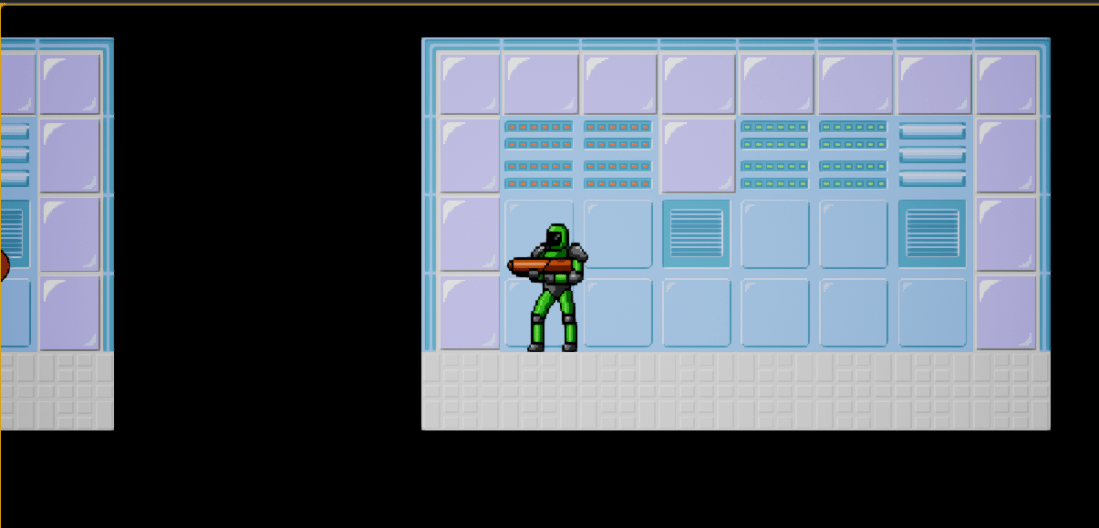
New levels 18-21 have been added. Even though the new level amount isn’t huge, but the content is massive in each level. With these three levels a new mechanic called teleport has been added. When you enter the area your player will teleport to a different area.

Level 21 is currently the last level and in that respect the last level is a finale to this project. It uses all the mechanics except the slide as features of the level, while adding in a trick or two.

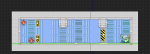
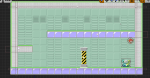
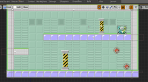
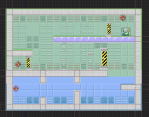
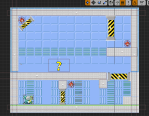
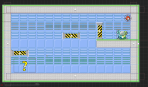
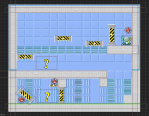
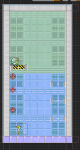
The following is the  21 levels made in this project:


Summary

I am very happy with the amount of levels I have produced and hope I can keep improving my production speed and quality. This was a fun project and I would continue development on this if given the chance.

Update FMP: New mechanic

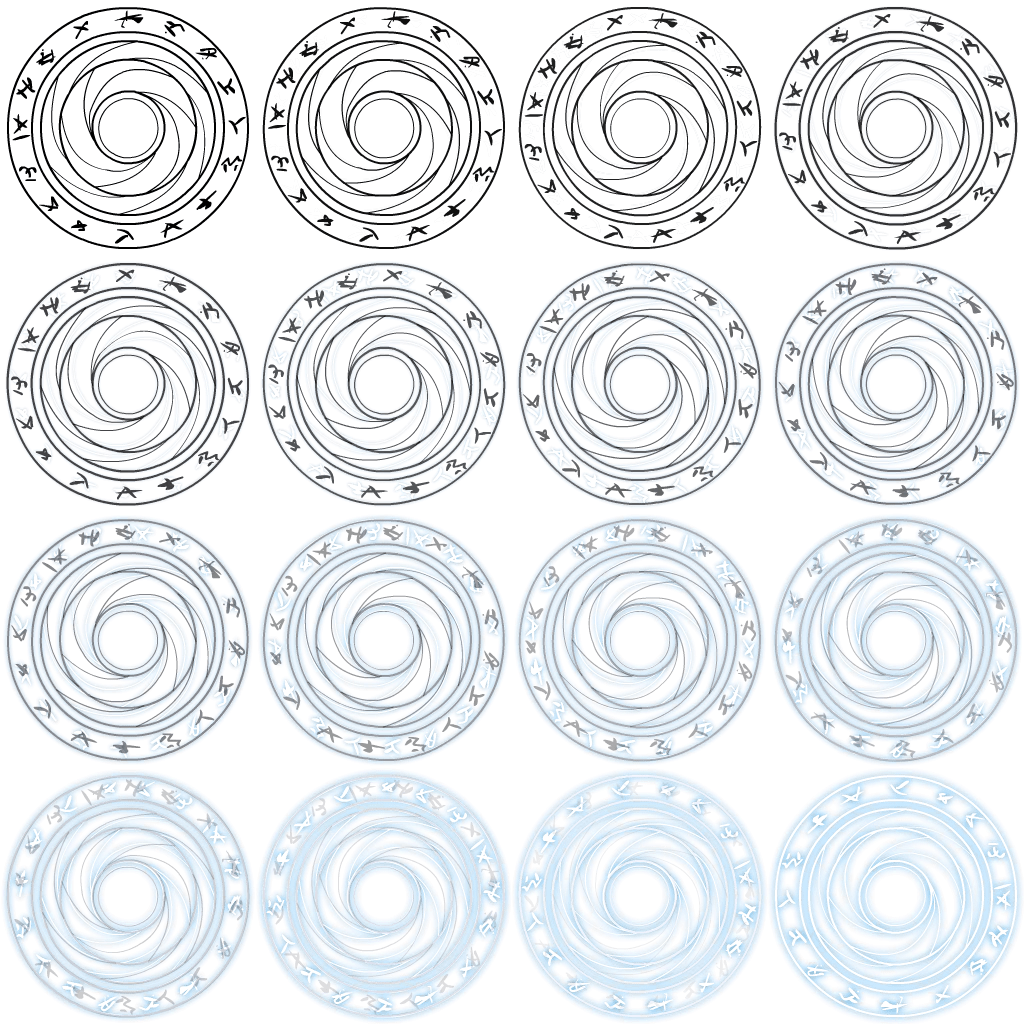
teleportCircle.png


I have implemented a new mechanic in with this gfroad graphics, which can be found here.

teleport graphics

The basic idea of this mechanic is to get the player from point A to point B in an instant or with a little delay.

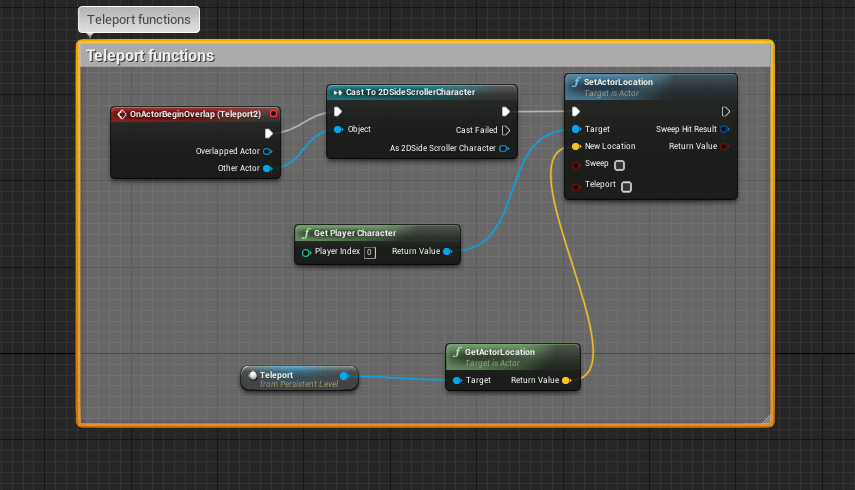
When using the teleport mechanic in a feature a problem occurred, which was an infinite loop, which crashed the game. To fix this was easy, but did require some tweaking. Here is the solution.

The first screenshot will only allow the player to teleport if Teleporting = False, which it does at default. After that Teleporting turns to True (forgot to include in screenshot). The screenshot on the right is the short delay before the variable Teleporting turns off. The reason it is 0.5s instead of 0.1s or lower is because, the player needs time to get out of the way, otherwise the error will continue over and over again.


Summary

I am glad that I added in a new mechanic and if I get more time, then I will build on top upon it.

Update FMP: Small Changes

Quality of life changes.PNG

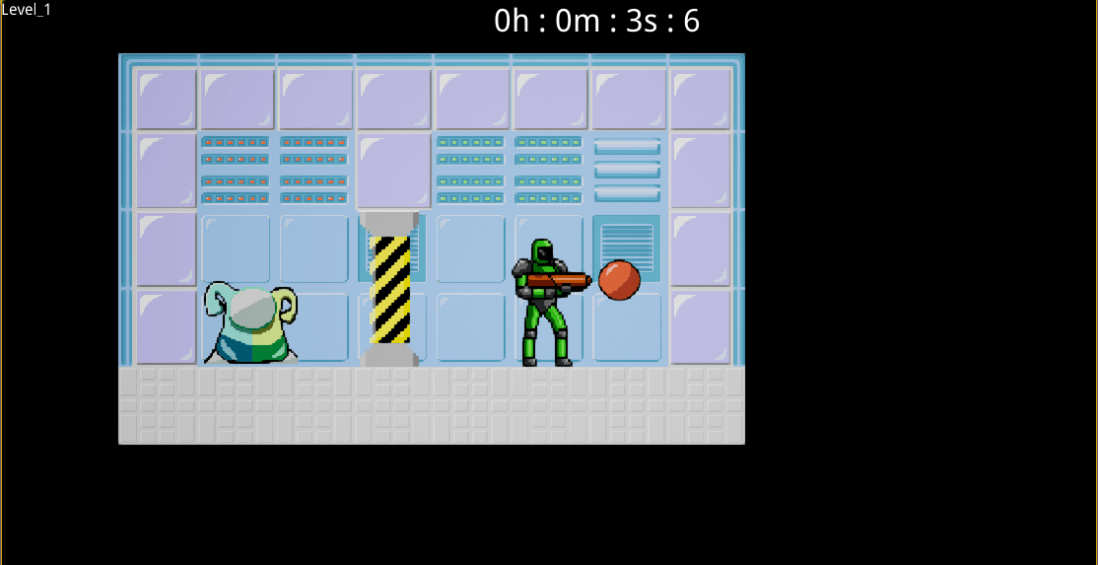
I have tweaked the game a bit and added in two simple mechanics in; level number and timer.

The level number was really simple, but the timer not so much. The timer required me to store the variables in the controller I was using and use them in the characters blueprint, which fires off an event, which updates frequently and then finally casting to the NewHUD altering the string variable called timer, which is used to display the text on the screen. In short a lot of messing around to get it to work.


Summary

I am happy with the timer and displaying the level name. It adds some replay-ability to the levels, which will make up for the small amount of play time the game currently has. The level name wasn’t needed to be shown, but thought it was a nice touch.

FMP Update: How I Did Overall

The creation of the game has been finished with a total of 21 levels, with a total playtime of 8-45 minutes approx (Speedrun-Casual). Even though this isn’t a great amount of content. In my opinion it is for the time I had available. The only changes going to be made are tweaks.

Note: The final levels will be shown in a future post as well with a list of images of all 21 levels. Also by mechanics I mean something made for a purpose and by feature I mean something already made or not code related that is attach to a level, character or object.

To see how well I did with the level design I watched this video and the following list is me explaining if I did or didn’t do that and to what degree:

  • Mechanics – In my opinion I have easily covered this area with a error or two here and there. My mechanics were really fun to use, with them altering other mechanics and objects.


  • Goal of level(s) – I think with no doubt in my I have achieved this. The goal of every single level is to get from your location to the level_finish object, while maneuvering through a puzzle. I further enhanced this with a dialogue/help mechanics that I used as a level feature to give every level meaning and then further on give that voice a meaning. This gives each level 2 goals, 1 mandatory and 1 optional. The optional one is to learn what on earth is going on. Take Undertale for example: Seems like an ordinary game at the start, but when you look closer more mysteries show up.


  • Teaching the player – I achieved this, but probably could have done better. I did teach the player ways to get around a level, what each mechanic does and why they should sometimes go backwards, but I don’t think I taught the player to think outside of the box that much.


  • Simplistic puzzles and puzzle layout – I know these were two different points, but I think these go hand in hand. With the puzzle layout, I believe I did a good job, but there is probably room for improvement. The way I laid the puzzle out at the beginning made the puzzles simplistic, but later on more features and mechanics get added into the levels, which does make the levels a bit more crowded, but I don’t believe it got too complex.


  • Learning from failure – By failure letting the player fail on purpose by deliberately pointing the player in the wrong direction, but making them think outside of the box for the actual solution. I didn’t really achieve this. I didn’t try to put any tricks in to make the player fail, but I did put some in without realising. An example of this is: The crouch feature being used to see the puzzle. I failed to do this in later on levels, because I wasn’t deliberately trying to make the player fail, but I did however make a few obstacles that made the player rethink about how to beat a puzzle, in short I did and I didn’t achieve this; I’m somewhere in the middle.


  • Player feedback – The player feedback in the game was good, but not fully good. The feedback the player got was all well with sound and not too annoying/painful to listen to, but I didn’t have much visual player feedback. I did have some, but not a lot.


  • Building on top of levels – I don’t think he meant literally building on top of levels, but the act of gradually increasing the difficulty and mechanics/features into the level.


Overview

I may not have made the perfect puzzles, but throughout all the levels the one thing that did stay the same was level consistency. I am proud of what I have achieved, even though I believe I could do better, because I probably always better and will always try, at least in the work I like, which is this.

The one thing he didn’t mentioned about puzzle design, probably because it is more of game design was:


  • Fairness – I think this is a difficult goal to achieve fully, but believe I have done this reverently close to how the player would want it. I have always kept in mind about helping the player, but not too much it’s too easy,


In the future projects I do puzzle designs I will re-watch this video.


Update FMP: New Mechanic and Improvements

TeleportTeleport_code

The above image is a new mechanic called teleport. It is really easy to do, so I decided to add it in.

The main reason I have added it in is because, I am trying to learn about things that are in big finished games, so I can implement it into my own game and future games.

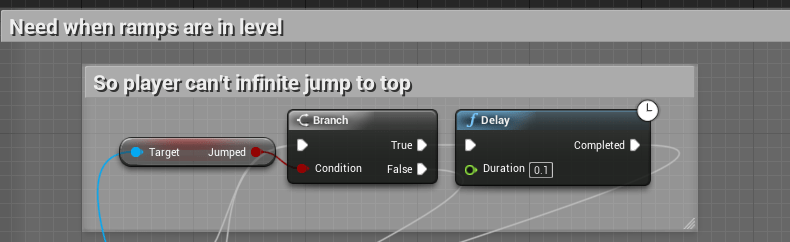
infinite jump on wall jumpJump stop

The above images are improvements I have made. The first one is stopping the player from allowing them to do an infinite jump and skip some of the puzzle and the other is a jump stop. A jump stop in this case is reducing the character from jumping too high. This is done because, there is an inconsistency in the jump height of the wall jump, because of the velocity pulling the character down, aka gravity.


Summary

I am happy with the new mechanic I discovered and the improvements I made to the mechanics I have made.

Update FMP: Wall Jump Added

Wall jump in action.png

I have added in a new mechanic, which is wall jump. Well I guess technically it’s a door jump, but I’m calling it a wall jump.

I added this in, because it was a simple improvement.

While I was at it I improved the slide mechanic a bit by disabling movement, but not jumping. I did this because, I don’t won’t the player to move up the slide and make the puzzles easier.


Summary

I am happy with what I have done, because I have an extra tool to use now with only a bit of editing now.

Feedback FMP: Level Play-through

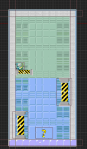
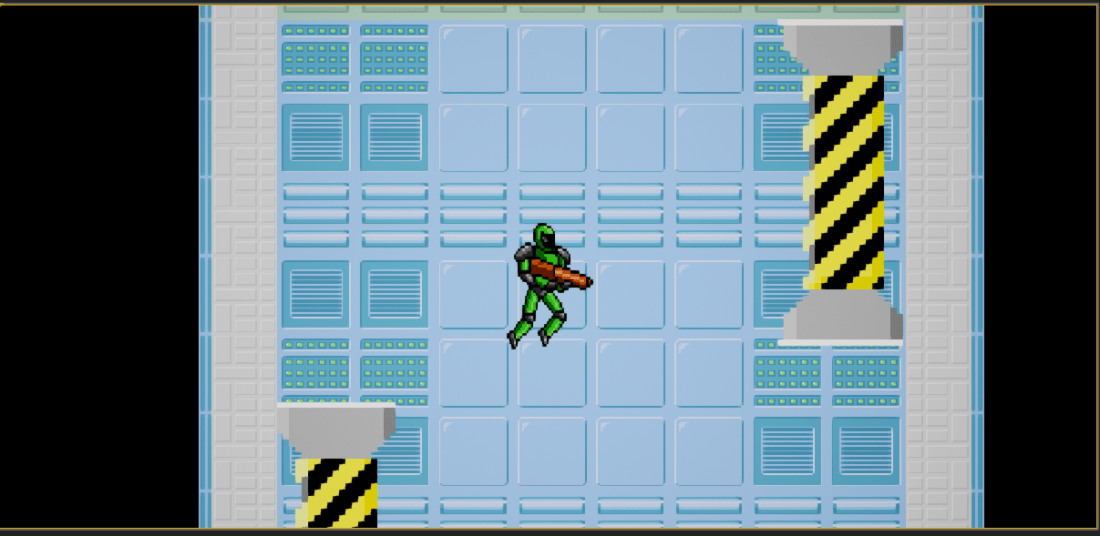
I have gotten some verbal feedback from my mentor. He said he enjoyed the mystery of discovering the puzzle on his own, the mechanics were good and most of the time were very fair. The only level he said was unfair was this level:

Level_8_look

The reason he said “It was unfair was because, there was no indicator on if you hit the switch,” there was an indicator in the level, but I didn’t realise the indicator was not detectable by deaf people. I might include some affect above the player to indicate it has been hit, but I don’t have much time left in this project.

He further added that all mechanics were successful, except for the slide mechanic. He said, “it wasn’t successful, because there wasn’t any use for it in the level,” I thought there was, but I was wrong, however I was going to utilise it further on.