Update FMP: Improvements

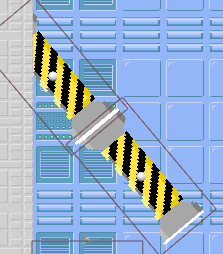
switched added sound

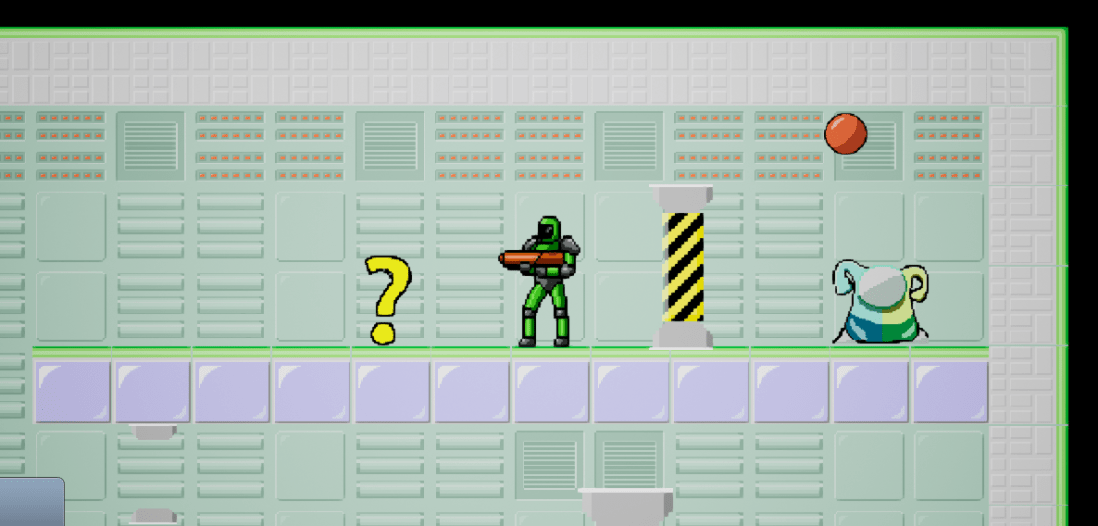
Above is one of the improvements I have made. The thing I added here was a sound effect on hit. These I added in once the cooldown is off, which brings me to the cooldown I added in. The cooldown was added so the player has a time frame before they shoot again. This makes any mistakes of a multi shots fired removed, unless it was down within outside the 1s window. Here is an example of it in work:

Switched_cooldown.PNG

I have also made an adjustment, which is with the sound. I have lowered the level finished noise and fixed the issue with the background music, which I go more in depth Here.


Summary

I am happy with the changes I have done through the feedback I got, because I did notice some of the issues myself.

Solution FMP: Sound Track

Music_track setup.PNG

The above image is from using the tutorial mentioned Here and the video link to understand what instance variables are here.

The reason I did this was because, the music was getting mixed up together and it seemed better to have a music track over a music randomiser.

To get the cast to available I needed to create a Game Instance variable blueprint, this is because, it is used as a container and has the property to stay on the map.


Summary

I am happy that I have fixed this and I am happy that it is easy to extend or shorten the track. I did wish the previous tutorial explained Instance variables though.

Concept FMP: More Level Designs

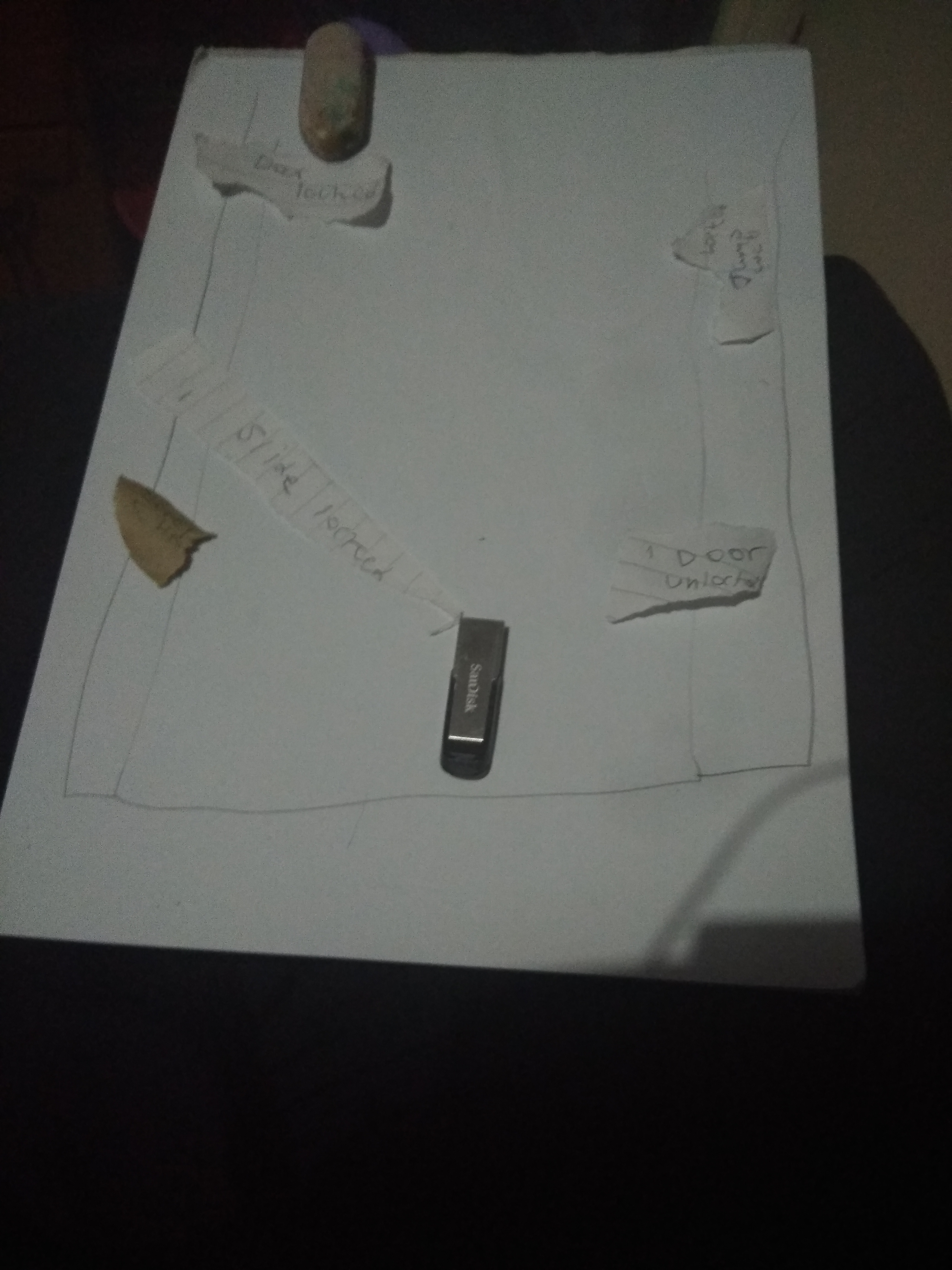
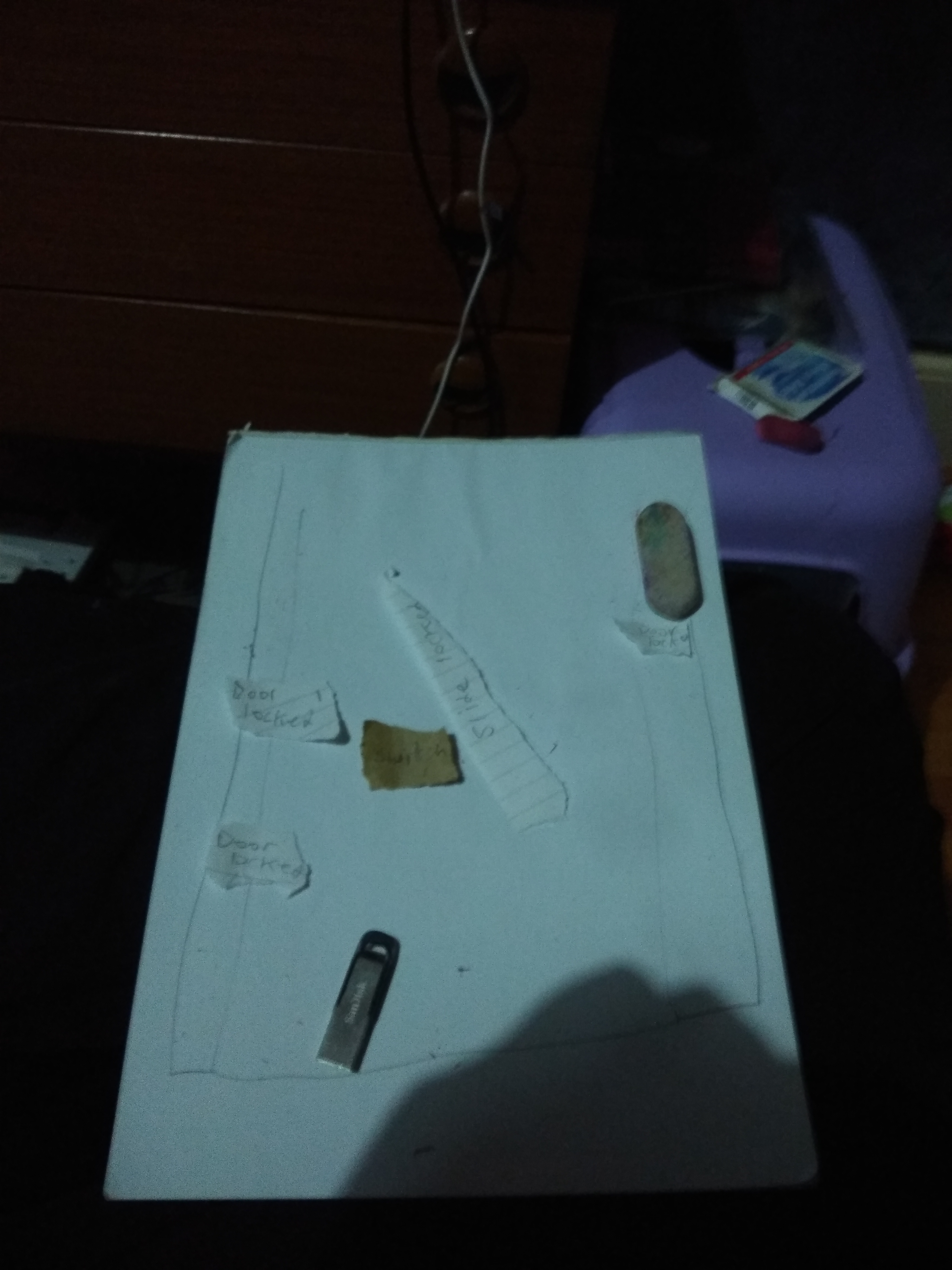
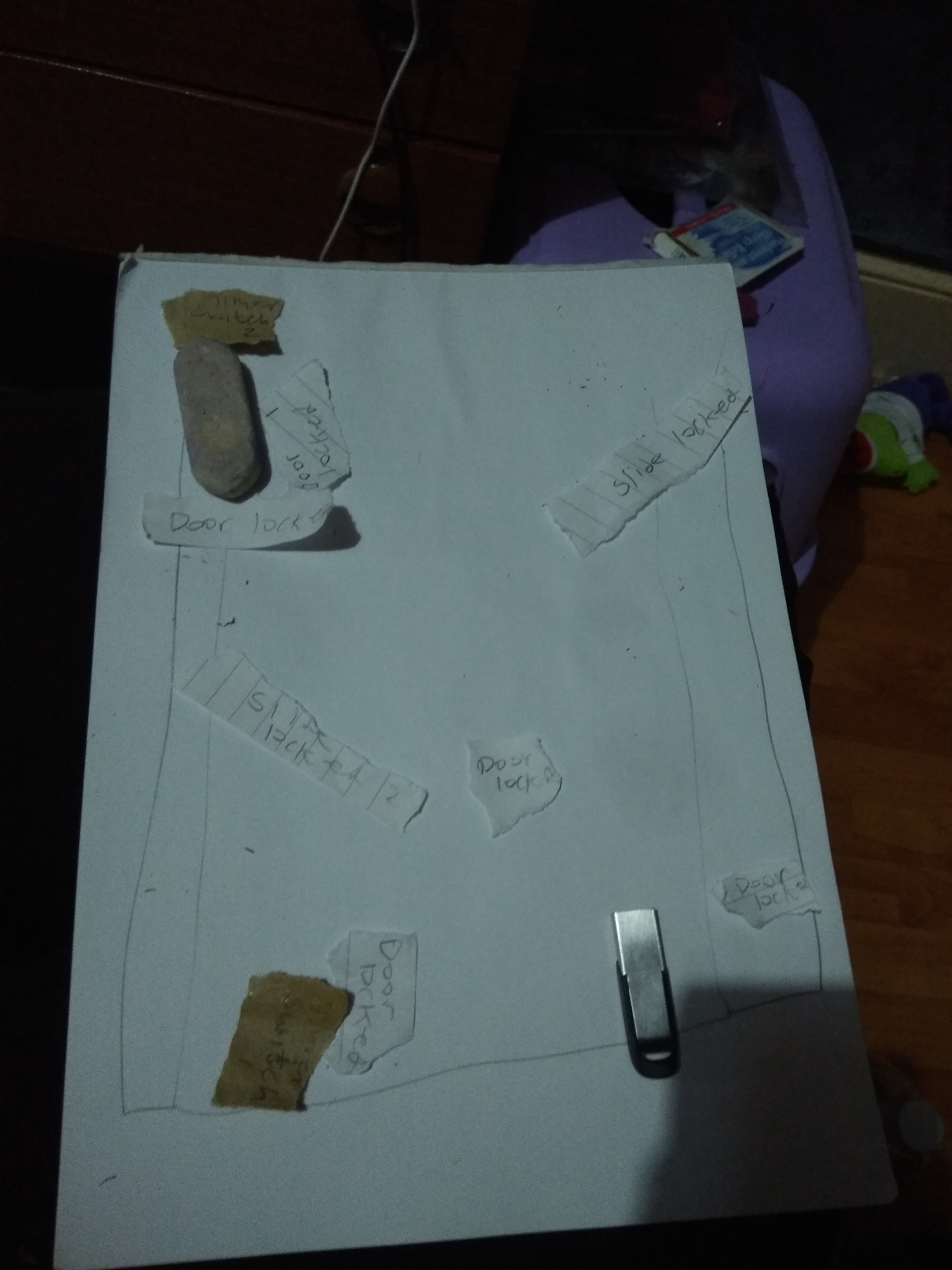
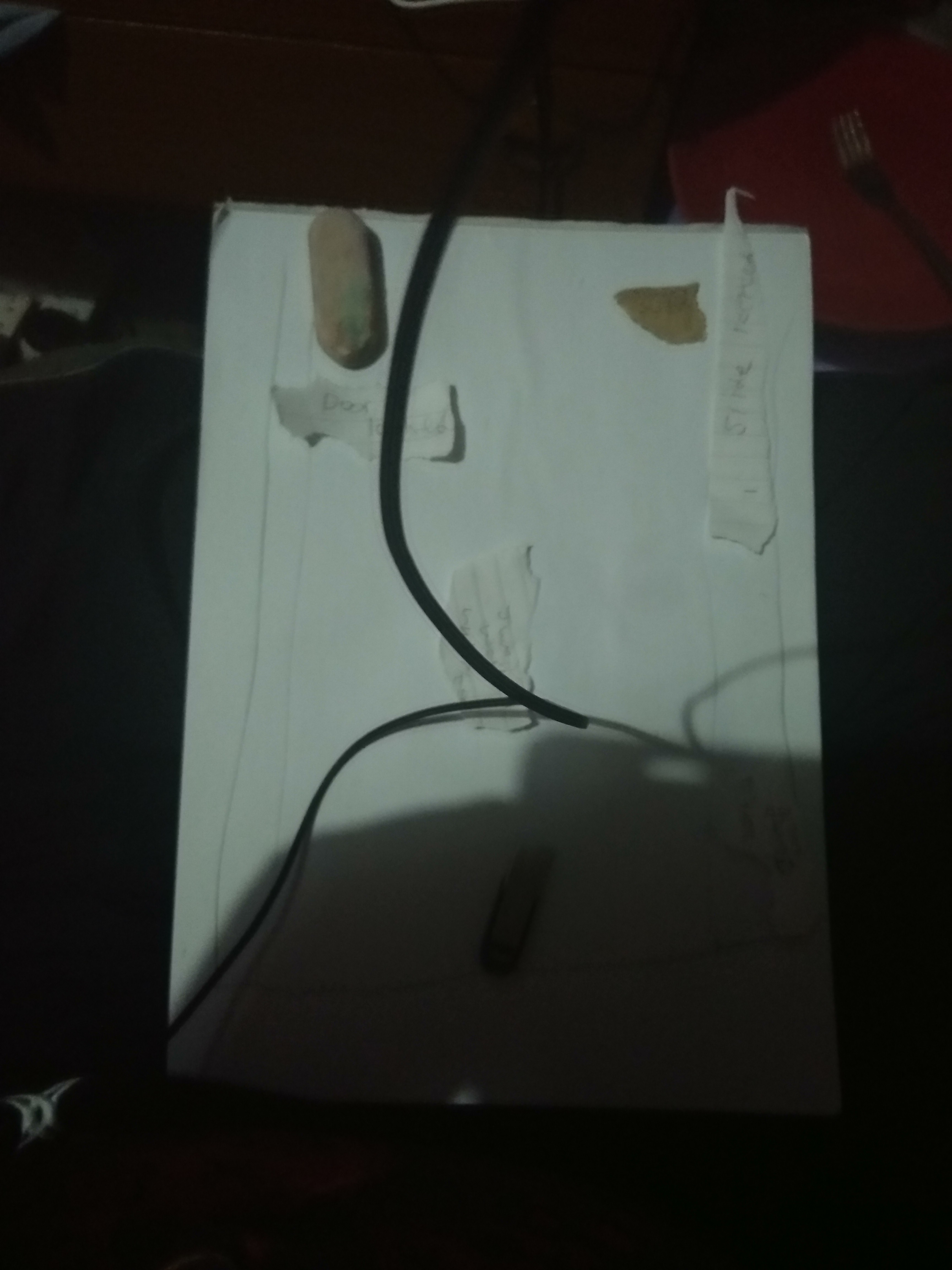
These photos were take today and yesterday. The reason they look different is because, I couldn’t find the colour paper I normally use, so I improvised and use an envelope and line paper for the switches and doors.

Some of these designs include a new mechanic called a wall jump. The reason I added it in is because, I basically have it set up when I made the slide mechanic.


Summary:

I have noticed that when focusing on a small amount of mechanics, a new one will have the possibility of being created if and only if you work on them. This in short means that you will get more mechanics focusing on one mechanic and build upon it, rather than focusing building multiple mechanics. There are exceptions here and there.

Update FMP: Save and Load Game

I watched this tutorial, because it was next on my recommendation and thought it could be useful. I watched this tutorial: Save game

It will not be a guaranteed to be put into the game, but it is necessary to learn if I wanted to create games in the future.

The tutorial was for a simple save and load system so I still might need to learn more about the save and load system, but this is a good start.

Problem FMP: Background Music Playing When Not it’s Suppose too

I was having a problem when the level was loaded. Multiple background music was playing when I was trying to use a randomizer with an integer in UE4. I found out the bug involved was a bug inside of UE4. The bug in question was an overflow bug; gives more outputs then requested.

Whenever I called this integer in a function, it sent two pulses into the function instead of 1. It isn’t normally noticed, because it happens so quickly.

I have not solved this problem yet, but I was going to make it into a sound track instead. The 2nd problem occurred here. The value of the integer keeps getting reset every-time the character spawned. This is because, when the character gets destroyed, the values get reset, but the controller does not.

Here is the tutorial I watched to understand this: Video link

Feedback FMP: Levels 1-13

I have gathered verbal feedback from Jacob. He enjoyed the game saying, “I found it fun,” which I am happy to hear.

He enjoyed a few optional things I included, which were the music and hidden narrative in hint/help markers.

He did come up with a few issues saying, “I can’t tell if I have hit an orb, there needs to be an indicator. They also need a delay between each shot.”


Summary

I will take this feedback into account and fix the issues that raise.

Update FMP: New mechanic

Slide_feature

I have added in a new mechanic, which is a slide mechanic. This mechanic allows the player to slide down an object.

The reason I added this was because, when the player jumps on a tilted door, which isn’t 90, 180, -90 or 0 degrees, the player will slide down. The reason this is a mechanic and not a feature is because, the player couldn’t jump when on the door, but with a lot of altering, I was able to do so.

The images below is of the box I needed to add so the slide mechanic would work, because there is only is overlapping node, which meant I needed to add something it could overlap.

The reason I needed to script more code in the image on the right is because, when I reference the player controls in the level blueprint, it disabled it in the player’s blueprint.

Update FMP: New Levels

This slideshow requires JavaScript.

Levels 9-13 have been added. The levels add in 2 new mechanics, a slide and platform.


I’ll mention the slide mechanic in the next post, but I will covered the platform mechanic in this post. The reason I haven’t is because, it is very simple, I just rotated it by 90 degrees. By doing this I have added another tool into my level design.


Summary

I am happy with what I have made and will continue making more.

Update FMP: New Mechanic

Question markQuestion mark interacted

I have added in a new mechanic called the “hint/help marker”, this marker was put in so I could talk to the player to give them hints, help, a bit of meaning to the level or a combination of the three.

I wanted to add this in, because I thought the player would be confused on what to do. I know them being confused is what makes a puzzle game interesting, but if they are too confused, then they may get bored or frustrated, which is what I don’t want.


How I made it

The way I made this mechanic was going through this tutorial: Video link.

The tutorial helped me to create the text to show, how to change the text, how to get it to trigger and how to close it when an area is exited.

It didn’t teach me the following, which I included myself:

  • Manual close – Closes on manual input.
  • Manual open – Allows the player to chose whether to open it.
  • Allow close while in trigger area – Allows the player to close it, even when in the box collision.

It took some time adding this in, but in the end it was worth it, here are my results:

This slideshow requires JavaScript.


Summary

Even though this took me some time, I am happy with what I produced, because I can now make slightly more complex puzzles, with less of a risk, if I include a hint/help marker, which would guide them slightly.